Toolhouette · How it works · USA only
Trace → layout → tray

 by LaserBone Designs
Photograph tools or firearms on paper, arrange the pockets in Toolhouette, and get a 3D-printable tray — or a LaserBone print. Works for PACKOUT-compatible organizers and supported hard gun cases.
Members sign in to design.
Not affiliated with or endorsed by Milwaukee Tool, Pelican Products, VEVOR, or any firearm maker. Trademarks belong to their owners.
Step-by-step
-
1
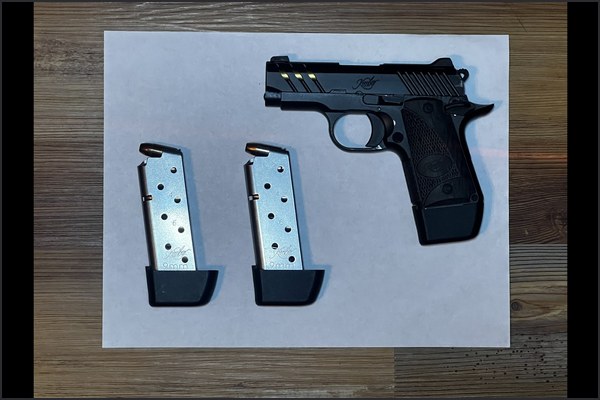
Photo on paper.
Lay the tool or firearm flat on a plain white Letter (8-1/2 × 11 in) or A4 sheet on a darker surface. Hold the camera directly overhead so the sheet stays a rectangle. Keep every corner in frame. Toolhouette sizes the trace from the sheet, not from the camera file.
-
2
Overhead shot into Toolhouette.
Click Photograph tool to take or pick the photo. To see how it works first, open Traces ▾ → Public traces → Sample photo.
-
 3
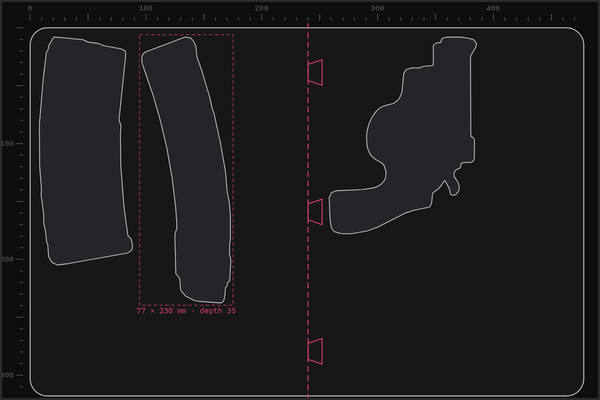
3Layout.
Drag each outline into place, rotate to fit, set pocket depth and Clearance (1.5 mm by default), add finger notches, Build 3D preview. Deep cases can stack up to four tray levels.
-
 4
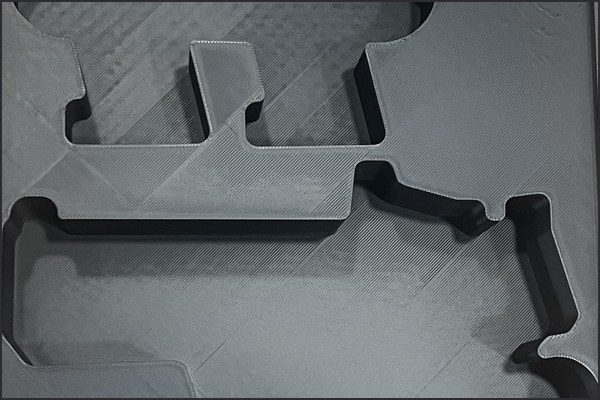
4Export or print.
Download the tray (STL / print-ready zip) or request a LaserBone print through the custom quote. Ships inside the USA only.
Long guns: if the firearm is bigger than one sheet, use the four corner marker sheets (PDF linked from homepage #guncases).
Photo tips
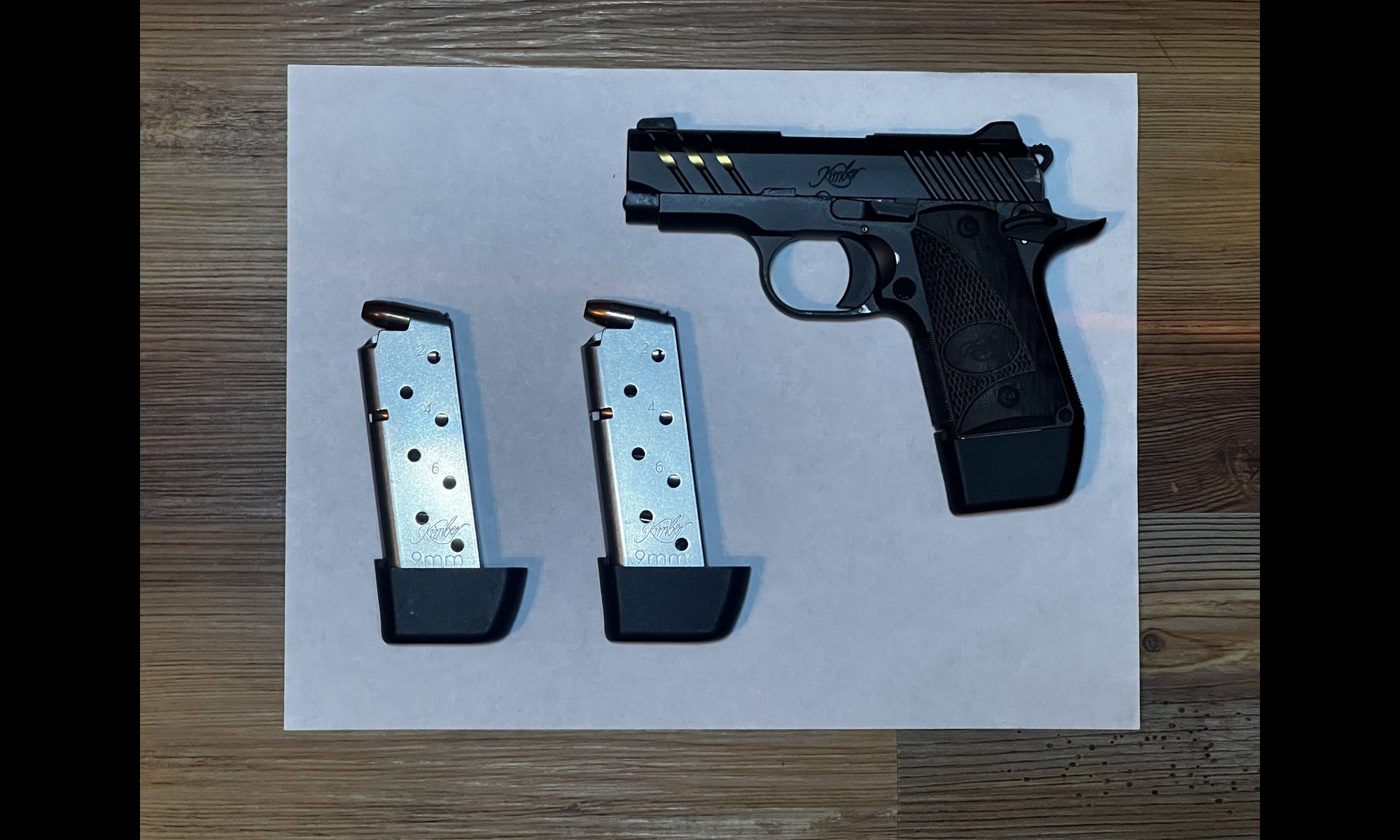
Avoid


What it works for
Coins and pricing
Tracing your gear and arranging pockets cost nothing.
| What | Coins |
|---|---|
| Save a trace to My Traces | 1 coin |
| Tray download | 50 coins |
| Single trace download (SVG and DXF) | 5 coins |
Every member gets 100 free coins when they sign up. Packs are 100 coins for $25 and 250 coins for $50. Re-downloading a file is free. Coins never expire. Full detail: Toolhouette pricing.
FAQ
Do I need an account?
Yes. Toolhouette is for signed-in LaserBone members.
Does it do foam inserts?
No. Toolhouette designs 3D-printed inserts only.
Who prints it?
We print and ship inside the USA, or you export the STL. Request a print through the custom quote.
Why is the trace the wrong size?
A corner of the sheet is out of frame, the photo is not shot straight down, or the sheet is not Letter or A4. Retake the photo.
Related
TOOLHOUETTE NOTICE Check fit before use · storage and transport only · For Pelican Air, Protector, Storm and Vault V300 cases, the VEVOR Rifle Hard Case 40" and Weatherproof Hard Case 15", and PACKOUT-compatible organizers. Not affiliated with or endorsed by Milwaukee Tool, Pelican Products, VEVOR, or any firearm maker. Trademarks belong to their owners. · follow your local laws.
Online only. Ships inside the USA. No international orders.