Laser Engraving
Precision marks and cuts.
3D Printing
Layered parts, made to spec.
3D CAD
Autodesk Fusion + AutoCAD.
GUN CASES
Custom gun case inserts. Designed in Toolhouette.
UV Printing
Coming November.
Featured Project
Toolhouette
LaserBone Toolhouette
Design a 3D-printed insert for your Pelican or VEVOR gun case, right in your browser.
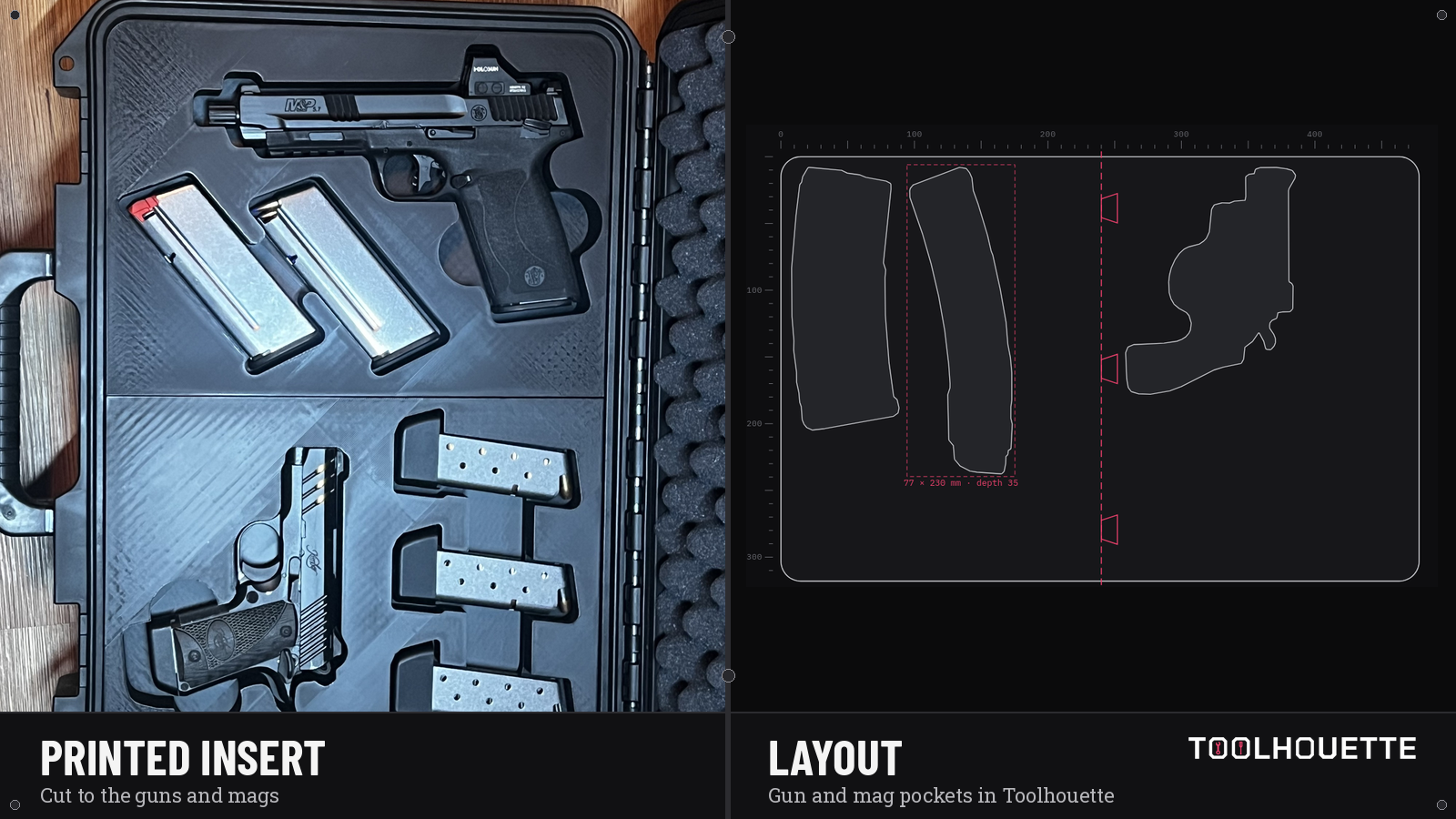
Photograph your guns and mags on a plain white Letter or A4 sheet, shot straight down. Arrange the pockets, set depth, clearance and finger notches, check the 3D preview, then export the STL or request a print through the custom quote.
Members sign in to design.

Featured Project
Work
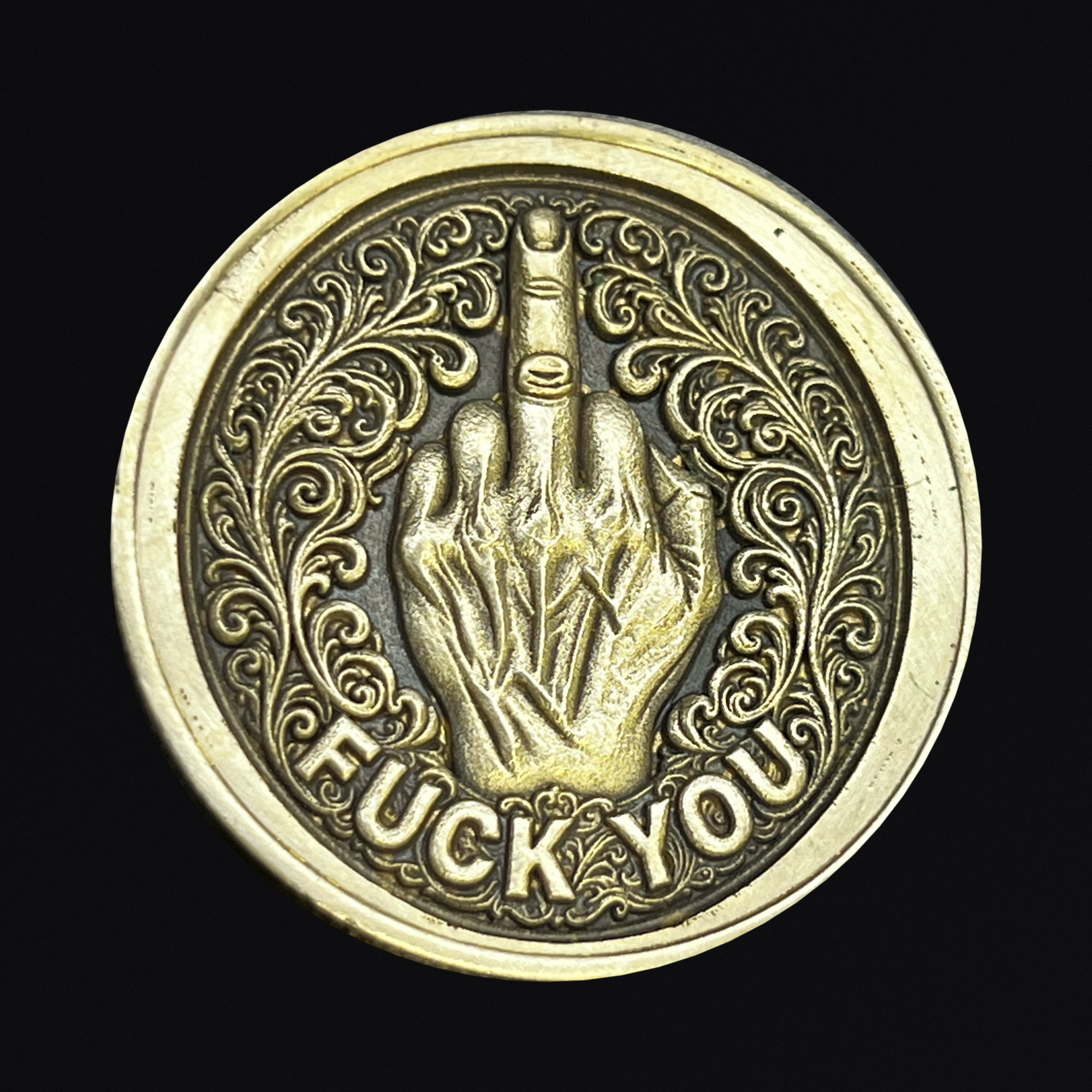
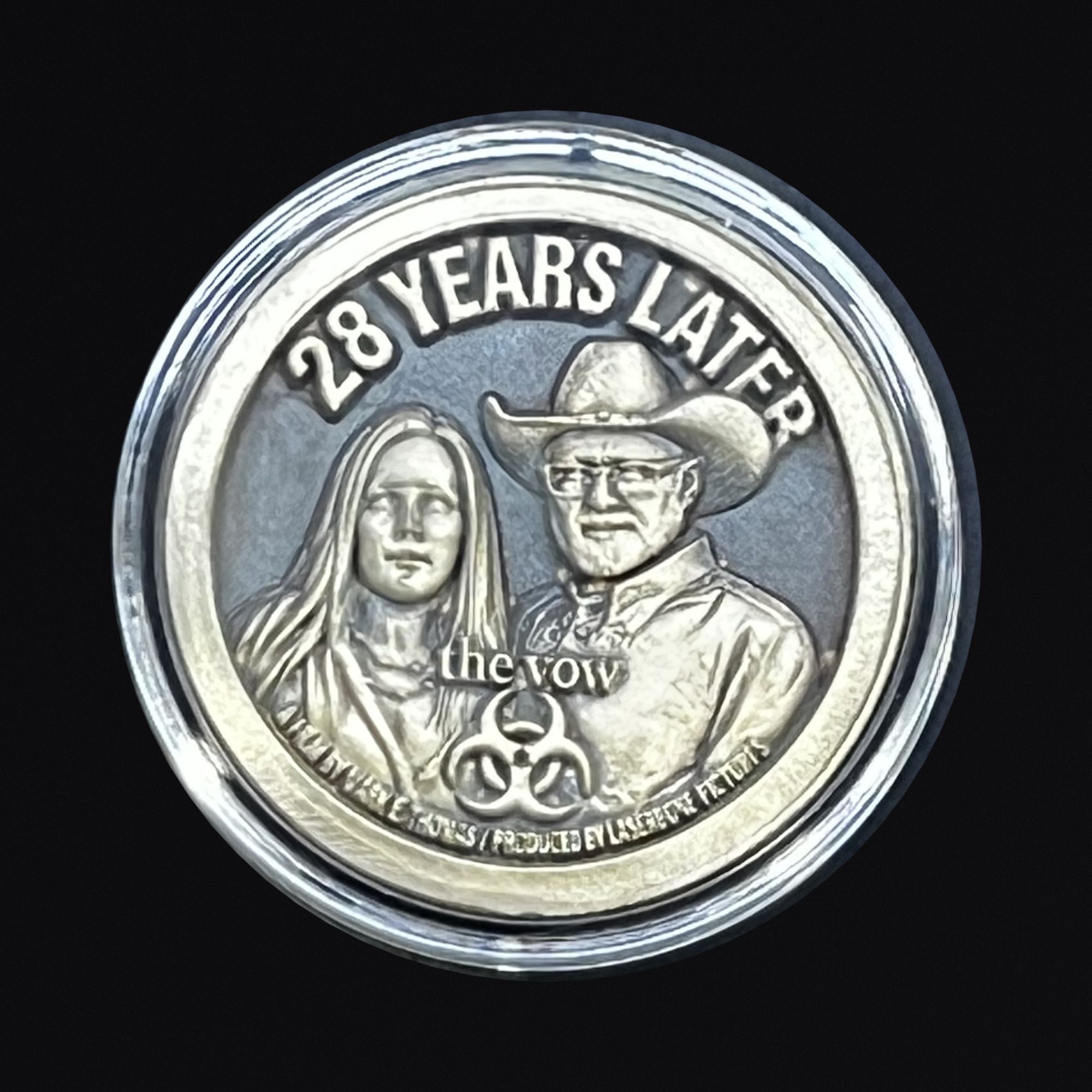

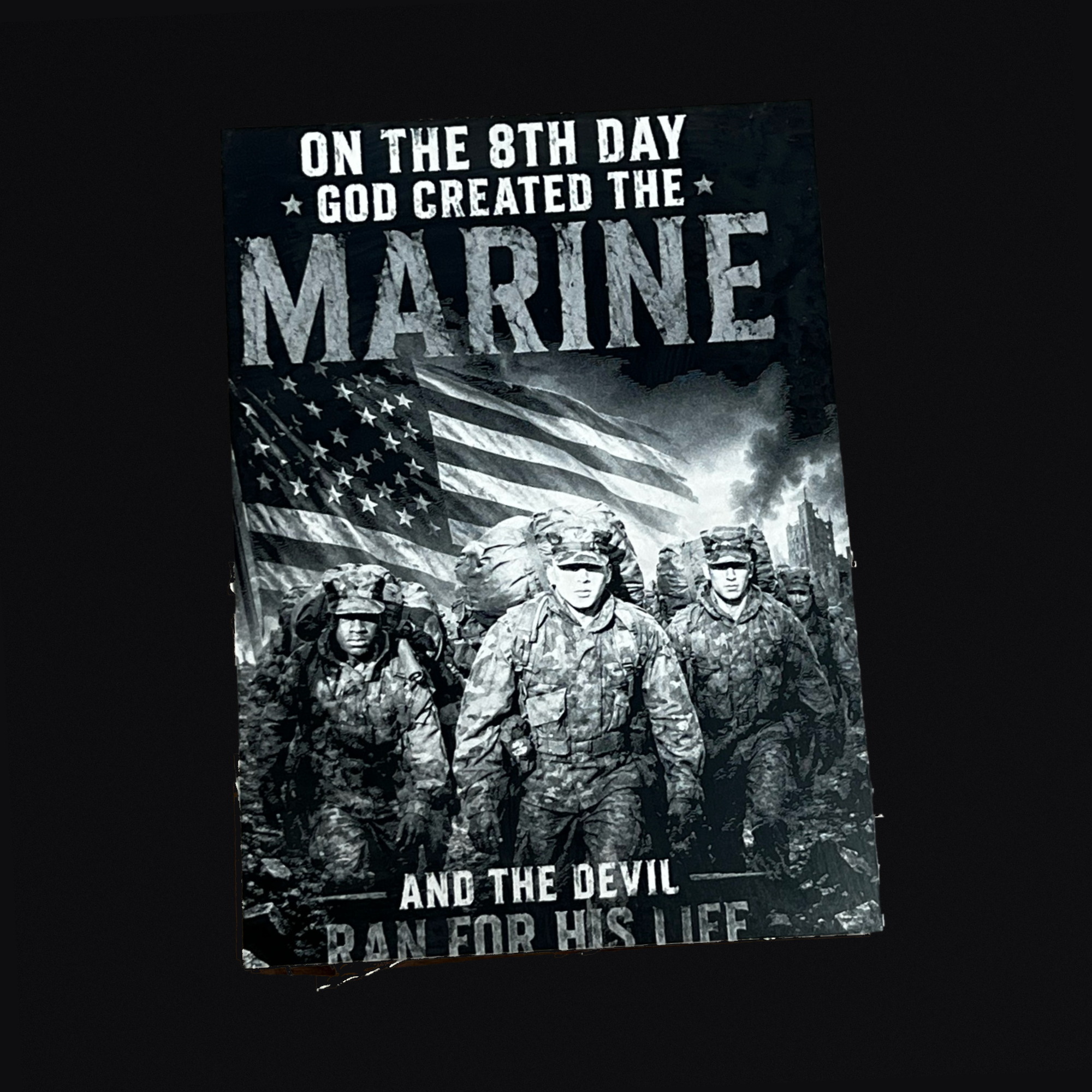
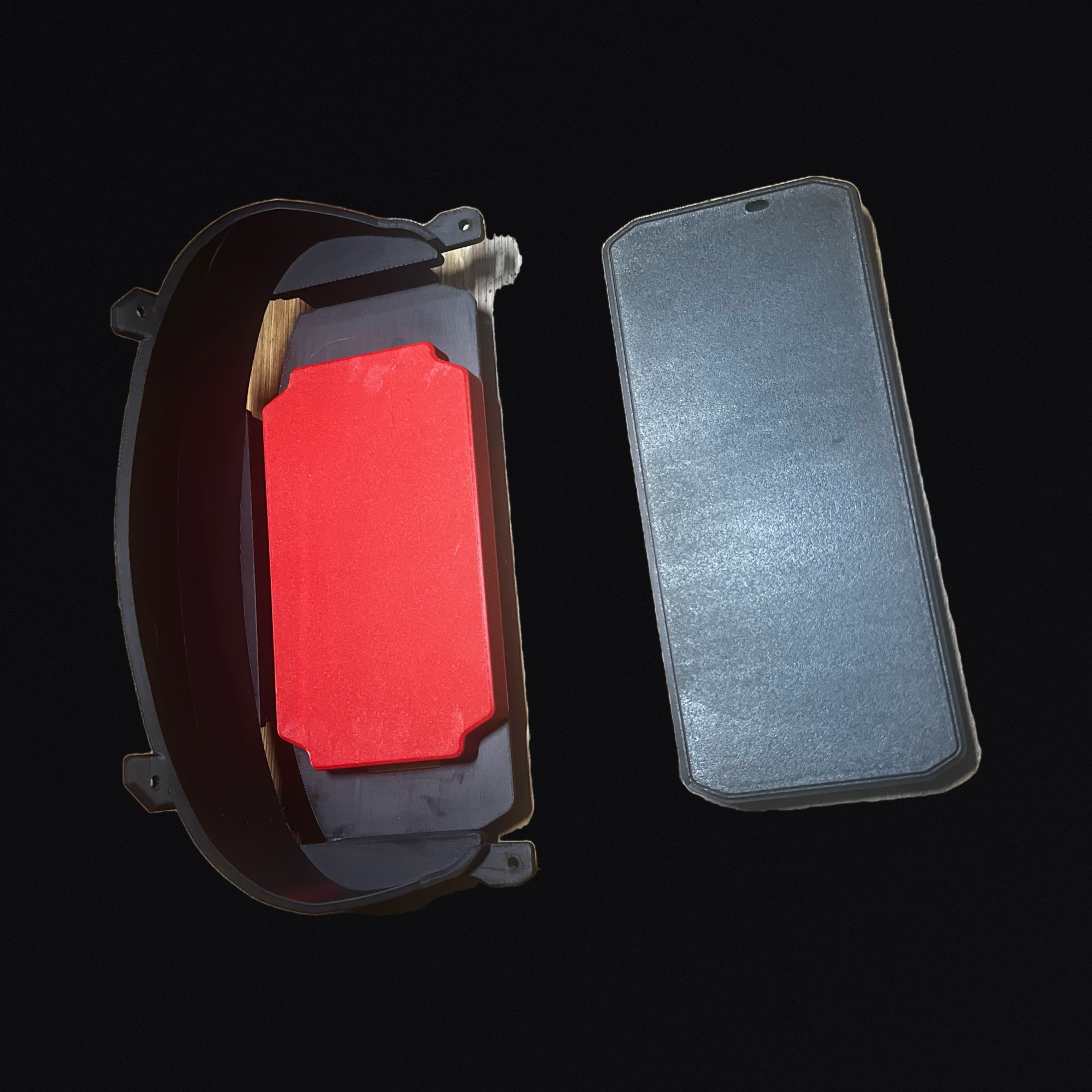
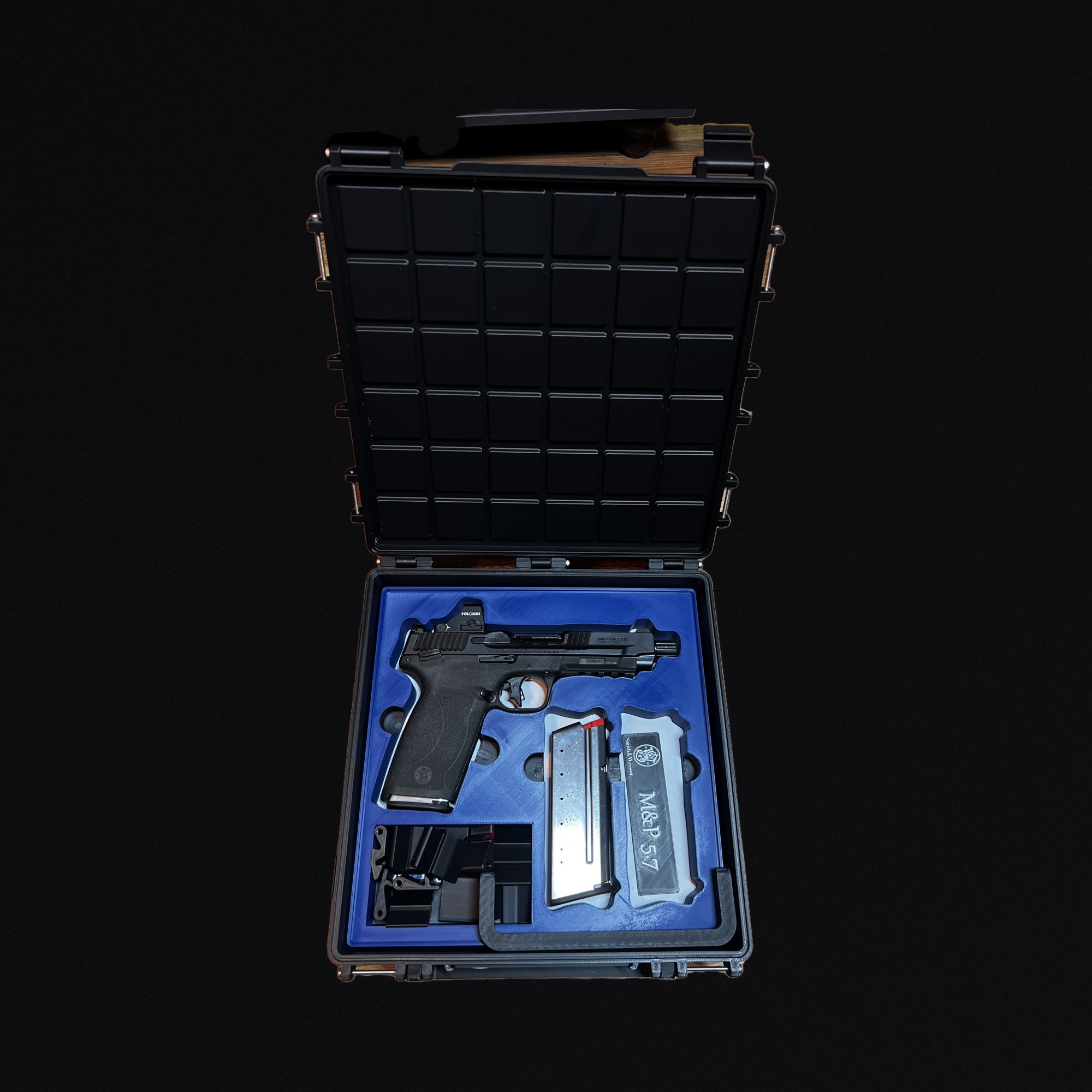
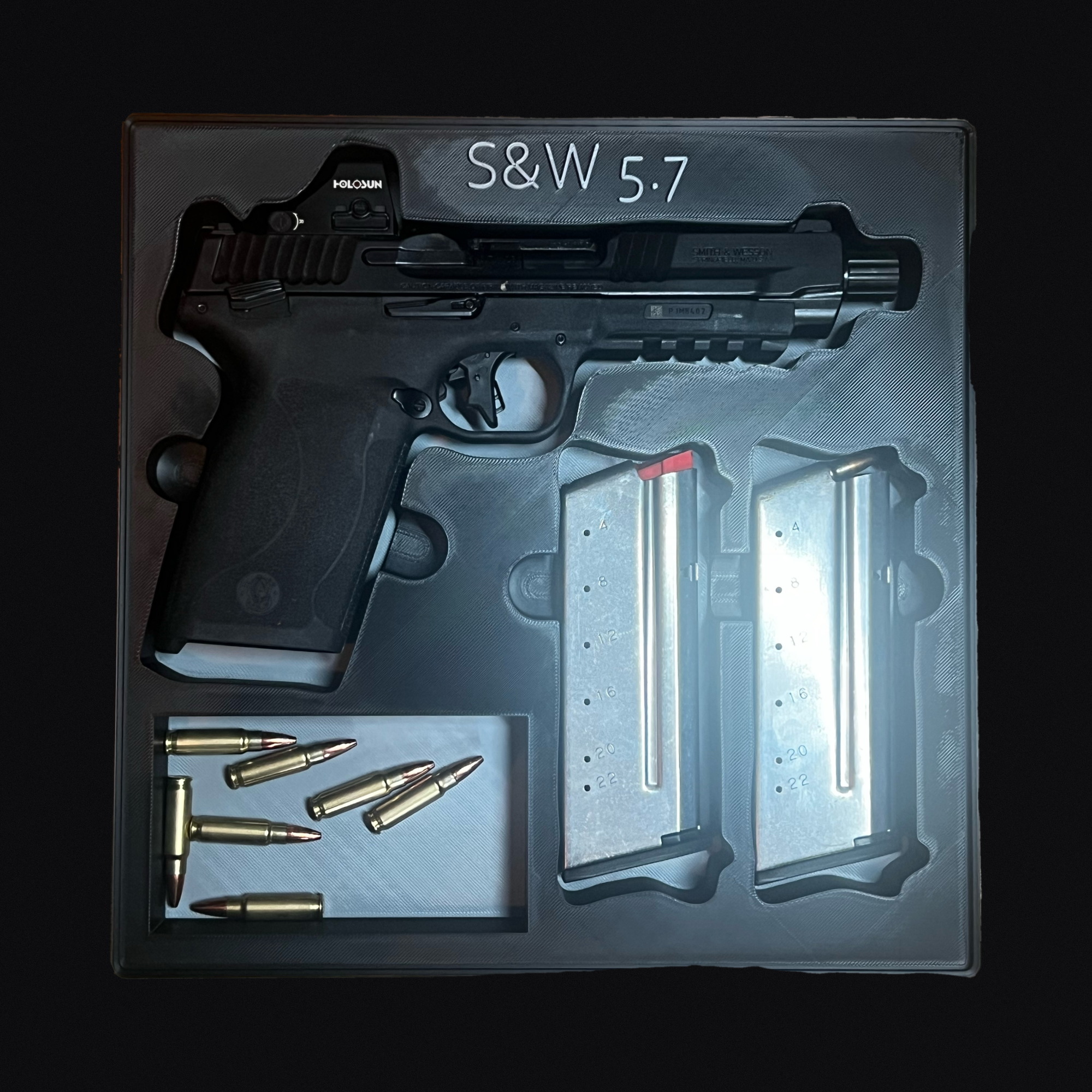
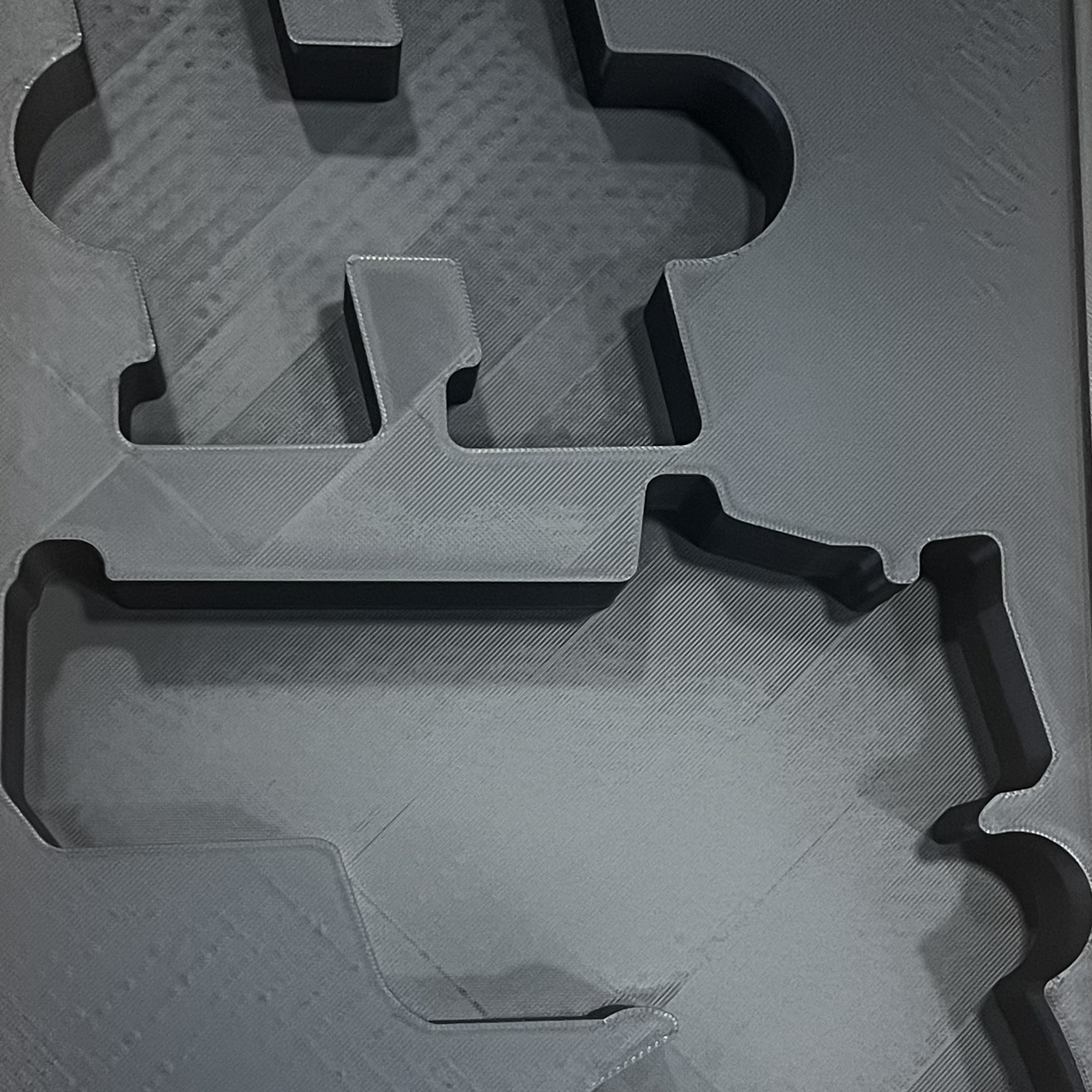
Custom Case Inserts
MEMBERSDesigned in Toolhouette. Printed in Newport News.

 by LaserBone Designs
Your Pelican or VEVOR case gets a 3D-printed insert cut to your exact guns and mags. Photograph them, lay out the pockets in Toolhouette, then we print it, or you export the STL.
Members sign in to design.
For Pelican Air, Protector, Storm and Vault V300 cases, the VEVOR Rifle Hard Case 40" and Weatherproof Hard Case 15", and PACKOUT-compatible organizers. Not affiliated with or endorsed by Pelican Products, VEVOR, Milwaukee Tool or any firearm maker. Trademarks belong to their owners.
How it works
-
 1
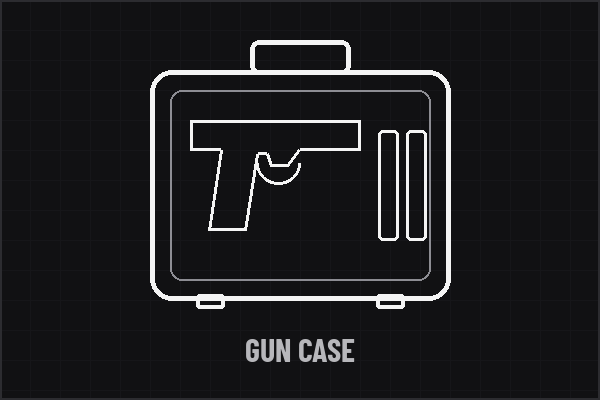
1Pick your case.
Open Toolhouette and sign in. Choose your Case type, then your Model.
-
 2
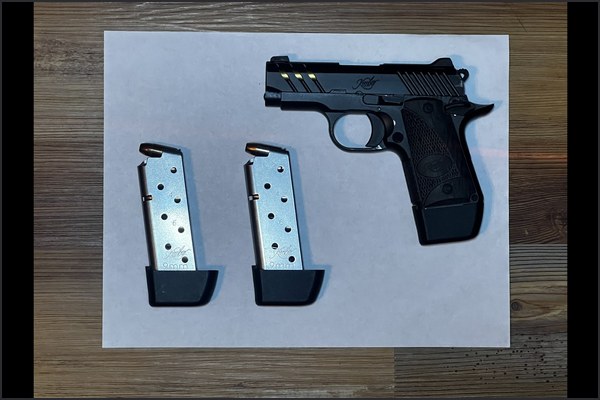
2Photograph your gear.
Lay your gun and mags flat on a plain white Letter or A4 sheet, on a darker surface. Shoot straight down with the whole sheet in frame, then click Photograph tool.
-
 3
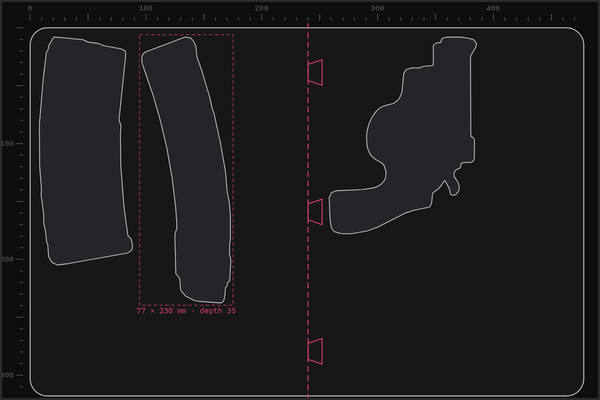
3Arrange the pockets.
Drag each outline into place and rotate it to fit. Deep cases can stack up to four tray levels.
-
 4
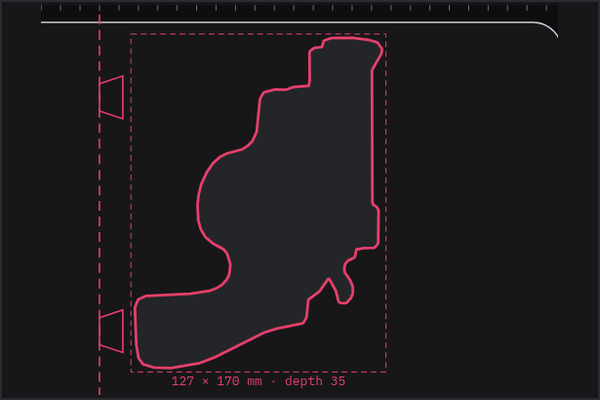
4Set depth, clearance and notches.
Set each pocket's depth and Clearance (1.5 mm by default). Add finger notches with + Place notch, then check it with Build 3D preview.
-
 5
5Get it made.
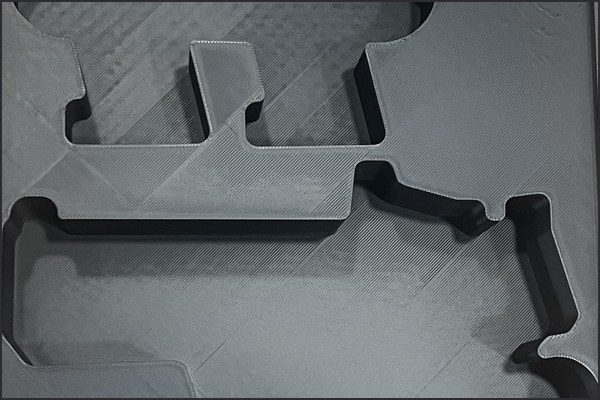
We print and ship inside the USA, or you export the STL. Request a print through the custom quote.
Photo tips
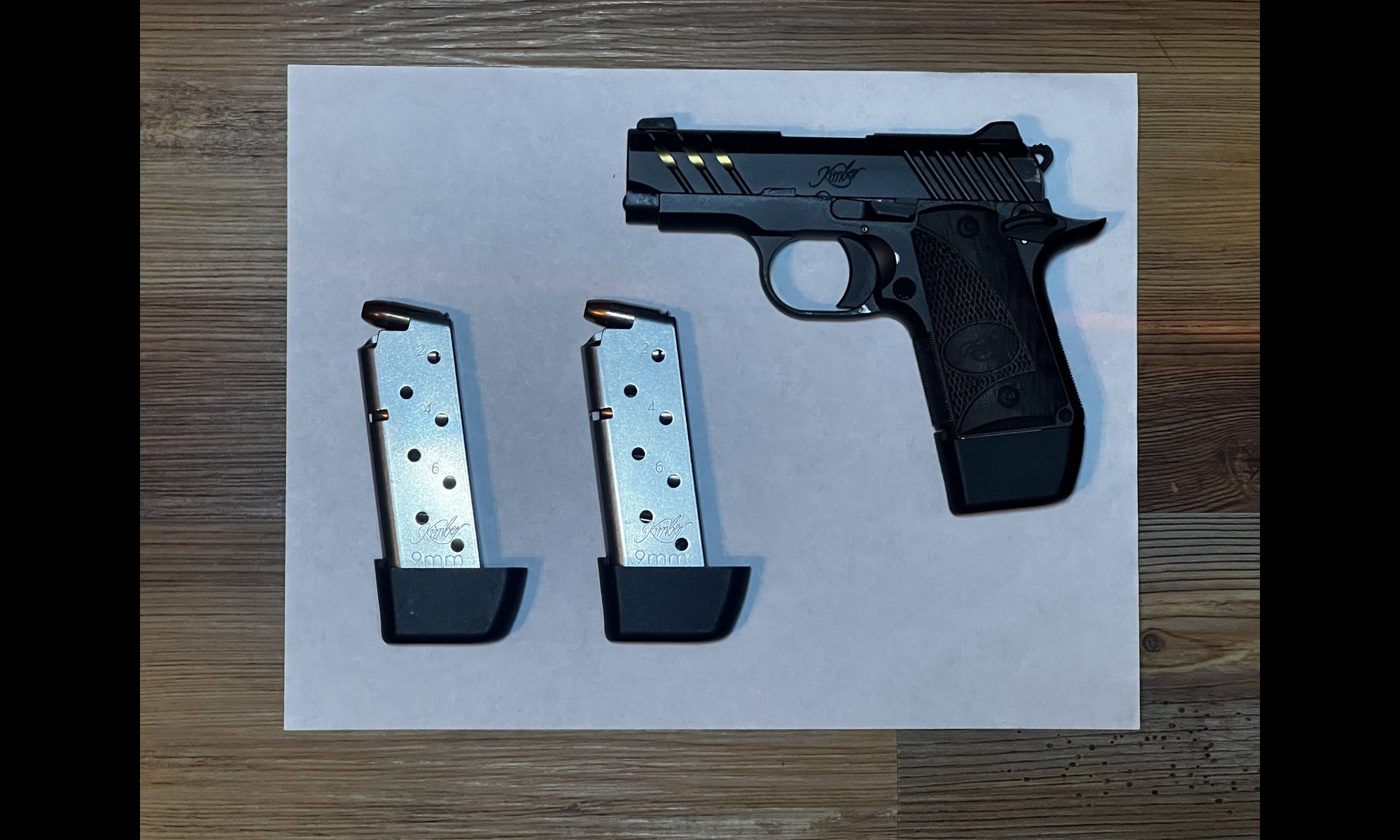
- Use a plain white Letter (8-1/2 × 11 in) or A4 sheet on a darker surface.
- Keep the whole gun on the sheet. If it's too big, use the 4 corner marker sheets (see Questions).
- Hold the camera directly overhead so the sheet stays a rectangle. Zoom in, and keep every corner in the frame.
- Toolhouette sizes the trace from the sheet, not from the camera file.
- Click Photograph tool to take or pick the photo. To see how it works first, open Traces ▾ → Public traces → Sample photo.
Avoid


Finished work
Questions
Which cases does it support?
Pelican Air, Protector, Storm and Vault V300 cases, and the VEVOR Rifle Hard Case 40″. Tell us your case model.
Do I need an account?
Yes. Toolhouette is for signed-in LaserBone members. Click Open Toolhouette, then sign in or create an account.
Does Toolhouette cost anything?
Tracing and arranging are free. Saving a trace to My Traces costs 1 coin. Downloading a full tray costs 50 coins, and a single traced outline costs 5 coins (SVG and DXF).
How do I get coins?
Every member gets 100 free coins, and new members get them when they sign up. Packs are 100 coins for $25 and 250 coins for $50.
Does a split tray or a second file format cost more?
No. A tray split into dovetailed parts counts as one tray, so it's 50 coins. That one charge covers every format, the single STL and the print-ready zip.
Do I pay again if I download a file twice?
No. Downloading a file again is free.
Do coins expire?
No. Coins never expire.
What files can I download?
Trays download as STL. Export STL gives the whole insert as one file. Export print file (.zip) gives STL parts sized for the printer bed, plus a README and a build report. Big inserts are split into dovetailed parts. A single trace downloads as SVG and DXF.
Does it do foam inserts?
No. Toolhouette designs 3D-printed inserts only.
Who prints it?
We print and ship inside the USA, or you export the STL. Request a print through the custom quote.
Why is the trace the wrong size?
A corner of the sheet is out of frame, the photo is not shot straight down, or the sheet is not Letter or A4. Retake the photo.
My gun is bigger than the sheet.
Use the 4 corner marker sheets instead of one sheet. Download and print them at 100%, then lay them flat in a rectangle around the gun: TL-0 and TR-1 above it, BL-3 and BR-2 below it. Keep the whole gun inside the markers and shoot straight down with even light. Then, in Toolhouette, click Photograph tool and choose the photo.
How do I set the gap around each piece?
Type it in the Clearance field on the selected pocket. The default is 1.5 mm.
Guides
More guides: PACKOUT-compatible inserts · 3D printed PACKOUT-compatible organizer · Vault V300 · Pelican Air · Pelican Storm · VEVOR Rifle Hard Case 40" · Trace your tools
TOOLHOUETTE NOTICE Check fit before use · storage and transport only · For Pelican Air, Protector, Storm and Vault V300 cases, the VEVOR Rifle Hard Case 40" and Weatherproof Hard Case 15", and PACKOUT-compatible organizers. Not affiliated with or endorsed by Pelican Products, VEVOR, Milwaukee Tool or any firearm maker. Trademarks belong to their owners. · follow your local laws.
Online only. Ships inside the USA. No international orders.